
Your Tenant Deducted TDS, but It's Not in Your Form 26AS. Here's How We Fix It
When a tenant's TDS on rent doesn't show in the owner's Form 26AS or AIS, the credit is lost. How to spot rent TDS mismatches and get them corrected.
Here's a problem that costs owners real money without them noticing: the tenant deducts TDS from your rent, but it never shows up against your PAN. Your accountant files your return, the credit isn't there, and you end up paying tax on money that was already withheld from you.
We've fixed this for owners more than once. Here's how to spot it and what to do.
Where should rent TDS show up?
In your Form 168 (the annual tax statement that replaced Form 26AS) and Annual Information Statement (AIS) on the income tax portal. Every rupee of TDS your tenant deposits under your PAN should appear there, with the tenant's details. Your tenant should also give you a TDS certificate for what they've deducted.
Why does rent TDS go missing or not match?
- Wrong PAN or a typo in the owner's PAN on the tenant's filing.
- Wrong form or section used by the tenant.
- Wrong month or year: a payment counted in the wrong period.
- Not deposited at all, even though the tenant deducted it from the rent.
- Joint owners where the whole TDS went to one PAN.
TDS that never reaches your PAN is money you paid twice. Check Form 26AS every quarter, not at year-end.
Two cases from our files
Parel: NRI owners found their tax credit didn't match the rent they'd received, because the tenant's TDS had been filed incorrectly. We checked the rent received against the TDS certificates and the agreement, took it up with the tenant's side, and they filed a corrected TDS return so the owners could claim the credit.
BKC: the tenant's payment list and the owners' accountant didn't agree. One payment had been counted against the wrong month, and with NRI owners the TDS is 31.2%, so every mistake is large. We reconciled two financial years line by line against bank records, sent one balance both sides could check, and set the monthly split of rent and TDS going forward.
Both are on our Owners' Wall.
How do I fix a TDS mismatch?
- Download Form 168 and the AIS and list every TDS entry from your tenant.
- Match it month by month against the rent actually received and the TDS certificates.
- Write to the tenant with the exact gap: which month, which amount, what's wrong (PAN, section, period).
- Ask them to file a correction to their TDS statement. Only the person who deducted can correct it.
- Check again once it's processed, before your return is filed.
How do I stop it happening again?
- Put the TDS rate and the owners' PANs (and shares, if jointly owned) in the agreement.
- Ask for the TDS certificate every quarter, not once a year.
- Keep a simple monthly table of rent, TDS and net amount received.
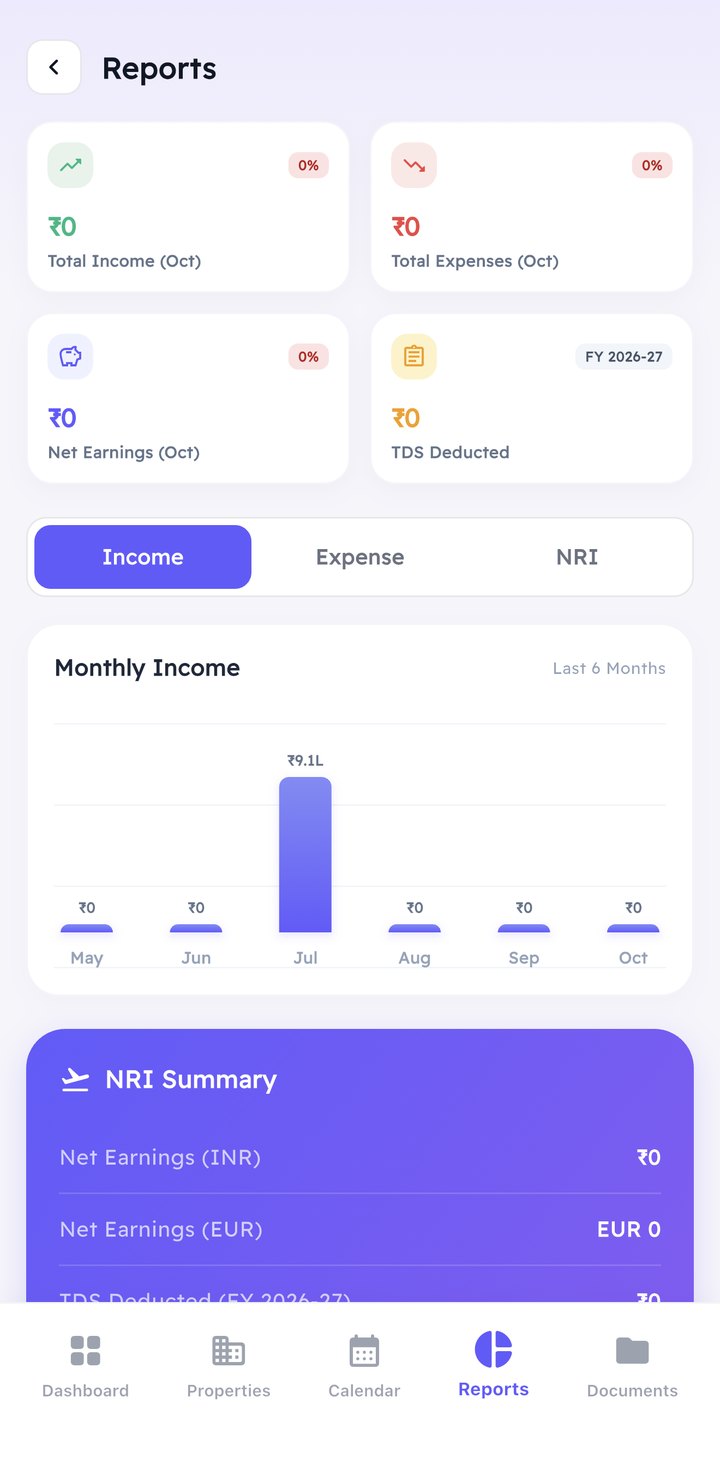
In the TND app, every rent and TDS entry sits against your property month by month, so a gap shows up early, not at return time.
Frequently asked questions
Can I claim TDS that isn't showing in Form 168?
In practice, the credit is matched against Form 168 (formerly Form 26AS) and the AIS, so you should get it corrected before filing.
Who corrects a wrong TDS filing, the owner or the tenant?
The tenant, who deducted the tax, files the correction.
How often should I check my rent TDS?
Every quarter, after the tenant's filing deadline.
Related reading
- NRI rental income: file an ITR in India
- TDS on rent paid to an NRI landlord
- What a rented flat really costs the owner
Think your rent TDS doesn't add up? Book a call and we'll go through it with you.
Warmly,
Yanik
General information, not tax advice.
Own a flat in Mumbai while living abroad?
TND Listings manages, sells and helps you buy property across Mumbai, Navi Mumbai and Thane, with one point of contact.
TND Listings is a professional real estate brokerage company serving buyers, sellers, NRIs and Private Institutes. At TND Listings, you are number one. We believe in integrity, commitment to excellence, a professional attitude, and personalised care.
→
Off Veera Desai Road, Andheri West,
Mumbai, Maharashtra 400053 +91 88504 51835
Prabhadevi, Mumbai,
Maharashtra 400025 +91 8850451835
Shakespeare Sarani, Kolkata,
West Bengal 700017 +91 88504 51835
Thakur Village, Kandivali East,
Mumbai, Maharashtra 400101 +91 88504 51835
CIN: U68100MH2025PTC448661
© 2020 – 2026 TND Listings Private Limited, operating under the brands TND Listings and The New Door · CIN U68100MH2025PTC448661 · MahaRERA Agent Reg. No. A51800024511